MobileGestalt Presets Reference
Every Display, Device, iPad, Intelligence, and Advanced preset in GestaltX, plus typed CacheExtra rules in MG Control and safe revert behavior.
- 5 preset categories + MG Control
- Standalone RegionCode (LL)
- Non-spoof AI flags + #128 guard
- 64-bit UInt & sub-ms Date safe
Display & Cutout Presets
GestaltX organizes capability edits into five structured categories (Display, Device, iPad, Intelligence, and Advanced) backed by the typed MG Control field editor. On iOS and iPadOS 27.0–27.3 Beta 1, enabling a preset records the pre-edit value and data type before staging changes:
| Preset | Target Scope | Behavior & Safety Notes |
|---|---|---|
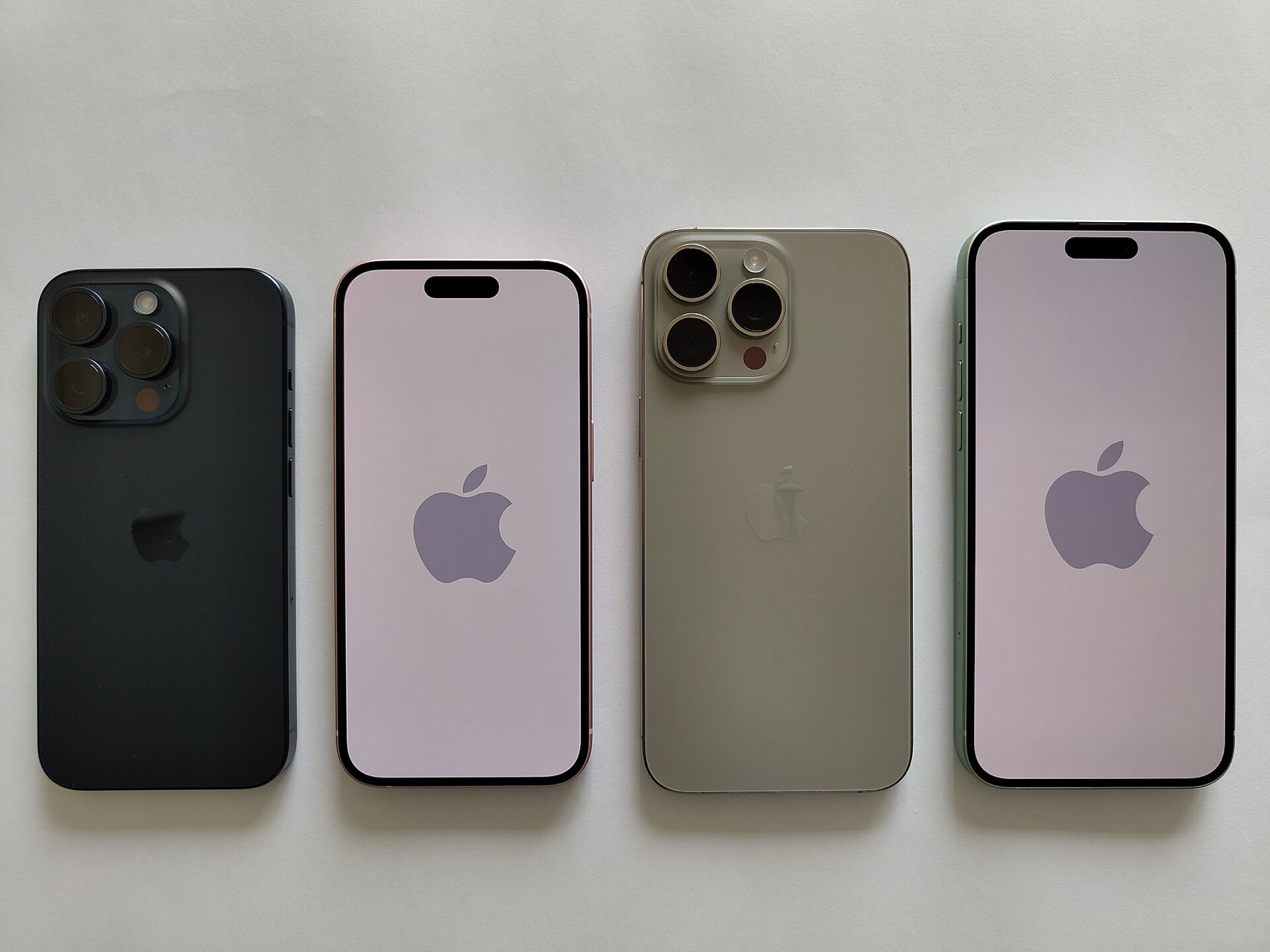
| Dynamic Island & Cutout | ArtworkDeviceSubType + DI flag | Enables Dynamic Island capability and cutout geometry, including iPhone Air layout (#105). Revert (#58) restores both together. |
| Always-On Display (AOD) | AlwaysOnDisplay capability | Exposes Lock Screen Always-On Display controls on OLED iPhones running iOS 27.x. |
| AOD Vibrancy & Luminance | AOD rendering & flipbook keys | Adds AOD Vibrancy, high-luminance mode, and AOD flipbook entry count controls introduced in v1.0.4. |
| HDR Photo & Parallax | Display media & motion flags | Toggles full HDR photo viewing in Photos and Lock/Home Screen wallpaper parallax motion. |
| Liquid Glass Low-Power | CacheExtra rendering policy | Adjusts Liquid Glass low-power rendering behavior on supported iOS 27 builds. |
| PWM & DisplayPort | Experimental panel/output flags | Experimental pulse-width modulation dimming and external DisplayPort capability flags. |
Before applying cutout or resolution-related presets, set iOS Display Zoom to Default rather than Larger Text (#125), and note that notched 6.1-inch LCD models such as iPhone 11 can clip status-bar indicators under Dynamic Island geometry (#141). If ArtworkTraits is malformed in an imported file, GestaltX blocks preset overwrites and prompts you to repair the dictionary in MG Control first (#38).
Device, Charge Limit & WAPI
Device presets expose System Settings panels and hardware capability toggles without patching system binaries. Starting in v1.0.4, Additional Options and the WAPI toggle appear directly inside Device → Presets:
| Preset | Target Scope | Behavior & Safety Notes |
|---|---|---|
| 80% Charge Limit | Battery health charge cap | Enables the 80% Charge Limit setting page on devices where iOS hides battery cap controls. |
| WAPI Regulatory Flag | Dynamic cached Boolean (#30) | Disables the mainland China WLAN WAPI prompt or restores your per-device cached original resolved from your own MobileGestalt image. |
| Camera Shutter & Chime | Region / accessibility sound flags | Controls power on/off chime settings; shutter sound follows standalone RegionCode on restart. |
| Action Button & Camera Control | Hardware button Settings UI | Surfaces Action Button and Camera Control configuration menus in System Settings. |
| Tap to Wake & Collision SOS | Wake & crash sensor flags | Toggles Tap to Wake and Collision SOS capability entries in CacheExtra. |
| Audio Mix & Spatial FaceTime | Media capture & call audio | Enables Photographic/Audio Mix post-processing options and Spatial Audio in FaceTime. |
Unlike older scripts that hard-coded a fixed byte offset for the WAPI Boolean, GestaltX resolves the cached WAPI slot dynamically from your device's own MobileGestalt image (#30) and persists the per-device original across app restarts and journal migrations.
Standalone Region Code vs Sales
Since v1.0.1, GestaltX separates Region Code (RegionCode) from Sales Region. Selecting United States under Region Code sets RegionCode to LL while keeping your factory sales-region suffix intact:
| Preset Selection | RegionCode Mutation | SalesRegion Suffix Behavior | Typical Use Case |
|---|---|---|---|
United States (LL) | Sets RegionCode = LL | Preserves original SalesRegion suffix (for example CH/A or J/A) | Recommended first step for AI & shutter tests |
| Hong Kong / Taiwan / UK / JP | Sets ZP / TA / B / J | Preserves original SalesRegion unless Sales Region is also changed | Regional feature & language alignment |
China Mainland (CH) | Restores CN / CH/A | Restores original mainland sales suffix when selected under Sales Region | Baseline recovery before clean re-configuration |
If you previously altered Sales Region with another tool, huamidev recommends restoring your device's original factory Sales Region first (for example selecting China Mainland for a CH/A unit), applying and restarting, and then changing Region Code alone.
Apple Intelligence & Face ID
GestaltX adopts the YumEdit 1.2.1 flag approach for Apple Intelligence experimentation: Apple Intelligence Capability sets the generative-model flag to 1, and Siri AI Mode sets SiriMode to 2, while preserving your device-specific On-Device Siri value (#102) instead of overwriting it with a generic constant. Neither preset spoofs your product identifier, board ID, or CPU.
Keep two platform realities in mind: first, Apple servers still gate model asset downloads by real SoC and RAM, so unsupported chips frequently pause around 147 MB in Settings (#144). Second, if a previous spoofer altered your hardware identity and broke Face ID or dictation, GestaltX v1.1.1 provides Backups → Restore Hardware Identity (#128, localized in #146) for iPhone 11 through iPhone 15 Plus. See our Face ID recovery guide for exact verification rules.
iPad, Advanced & MG Control
On iPadOS 27.x, the iPad category manages Stage Manager capability, Apple Pencil settings, and iPad app compatibility flags (on builds such as 27.0.1, perform a full restart after writing Stage Manager flags per #142). Under Advanced, GestaltX gates the system-wide InternalBuild flag behind an explicit confirmation dialog (#60) alongside internal settings bundle and Security Research Device flags.
For keys outside built-in presets, MG Control searches, adds, renames, edits, and deletes entries inside CacheExtra across all eight property-list types: String, Integer (preserving exact unsigned 64-bit values above Int64.max without aliasing UInt64.max to -1, #31), Real (consistent NaN comparison, #68), Boolean, Data, Date (sub-millisecond precision preserved on unchanged opens #34, trailing text rejected #132), Array, and Dictionary. Since v1.1.1, manual field edits are preserved over layout presets (#137, #138).
NeoSpring vs Full Device Restart
GestaltX integrates rooootdev/neospring for userland SpringBoard restarts, but kernel- and daemon-cached MobileGestalt keys still require a full power cycle to propagate across every subsystem:
| Feature / Preset Group | Apply Action | Technical Reason |
|---|---|---|
| Lock screen custom text | Immediate | Applies directly from System Settings in v1.0.6+ without rebooting |
| App Audio Library sounds | Immediate | Refreshes captured notification sound cache live in v1.1.1 |
| Dynamic Island / UI chrome | NeoSpring respring | Manual NeoSpring respring reloads SpringBoard; full restart recommended if status bar clips |
| RegionCode, AI, Charge Limit, Stage Manager | Full restart | Daemons cache MobileGestalt at boot; restart iPhone or iPad after verified write |
Whenever you disable a preset or tap its individual Revert button, GestaltX deletes keys that were absent before your edit and restores original values and types for keys that already existed, leaving unrelated staged changes untouched.
USB-C Sideloading & Backup Gear
Provisioning GestaltX with SideStore, AltStore, Impactor, or iLoader and generating a Pairing file for App Audio Library requires a reliable wired USB data cable, while an external SSD keeps a clean off-device copy of com.apple.MobileGestalt.plist and full Finder/iTunes backups:
| Hardware | Role in GestaltX Workflow | Specification | Amazon |
|---|---|---|---|
| Anker 240W USB-C Data & Power Cable | Wired IPA signing & Pairing file capture | USB-IF certified USB-C data & 240W power lead | Check price |
| Apple 60W Woven USB-C Sync Cable | Mac / Windows sync & recovery restore | Woven 1m USB-C charge and USB 2 data cable | Check price |
| SanDisk 1TB Extreme Portable USB-C SSD | Off-device OriginalGestalt.plist & iOS backups | 1TB NVMe USB-C 3.2 Gen 2 (up to 1,050 MB/s) | Check price |
| UGREEN Revodok 10Gbps USB-C Hub | Multi-port USB-C & USB-A bridge for MacBooks | 10Gbps data ports with 100W PD pass-through | Check price |
As an Amazon Associate, this site earns from qualifying purchases.
Common questions
Does disabling a GestaltX preset write 0 into MobileGestalt?
No. Since v1.0.2, GestaltX records whether each key existed prior to editing. Disabling or reverting deletes newly added keys and restores pre-existing keys to their exact original value and plist type.
Should I change Sales Region or Region Code to test Apple Intelligence?
Change Region Code (for example to United States LL) rather than Sales Region. Changing Region Code alone preserves your factory regulatory suffix; if you modified Sales Region earlier, restore your original Sales Region first.
Why does GestaltX warn before enabling InternalBuild?
InternalBuild alters diagnostics and internal UI assumptions across SpringBoard and system daemons. PR #60 corrected its label and added an explicit confirmation prompt so users do not toggle it accidentally.